1 mes
$100 MXN
Por dispositivo
Incluye acceso completo a módulos
Pagar por WhatsApp

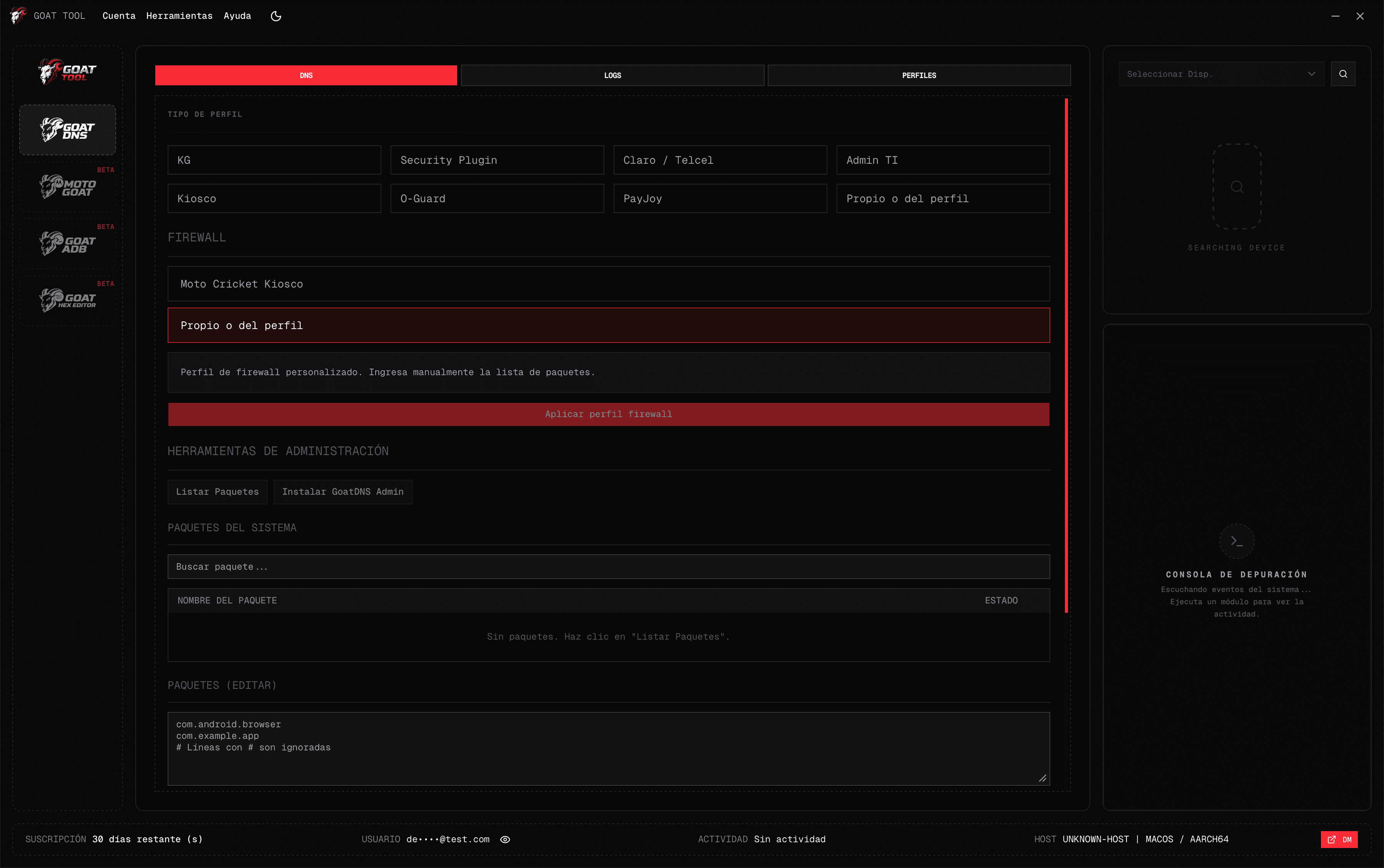
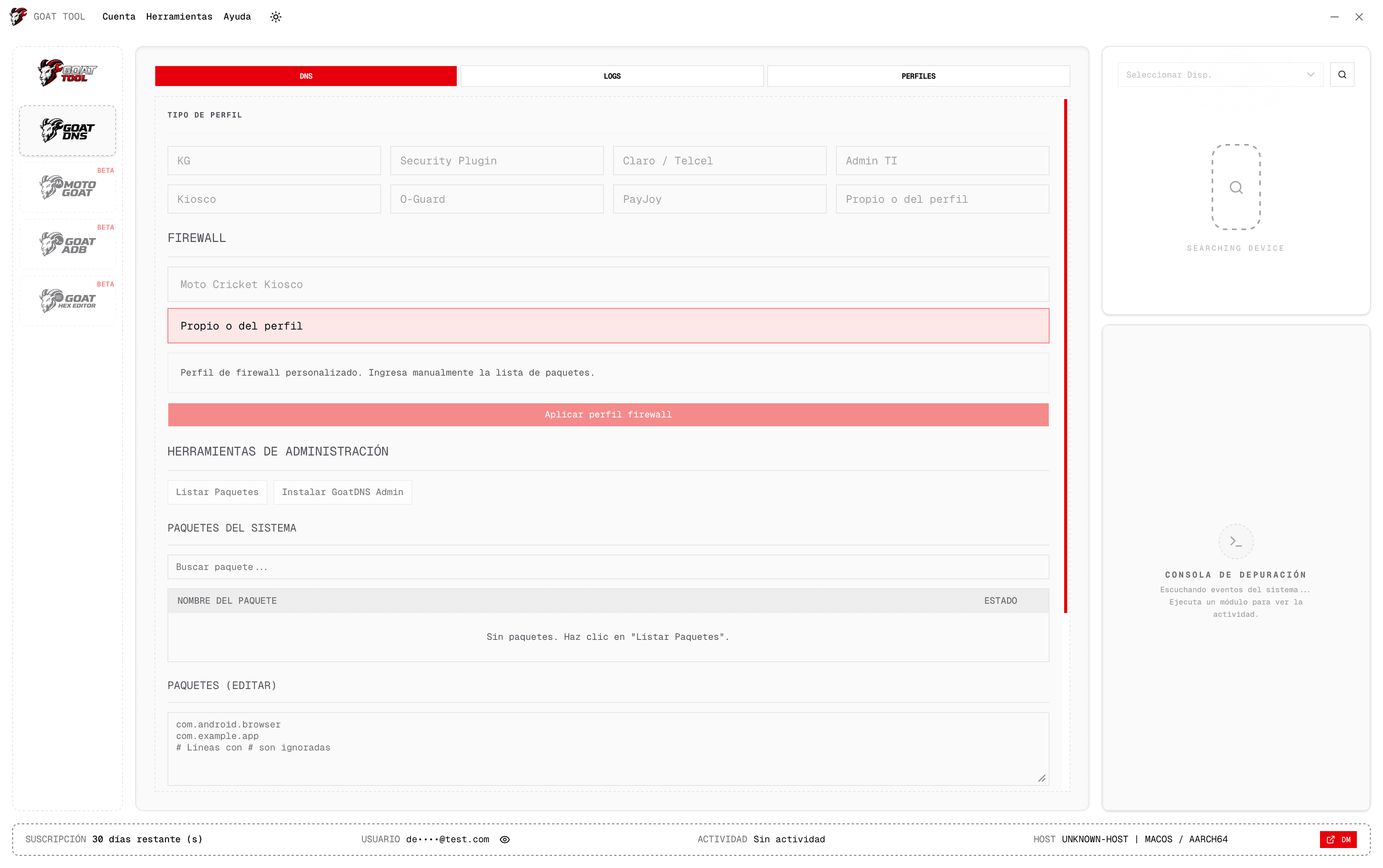
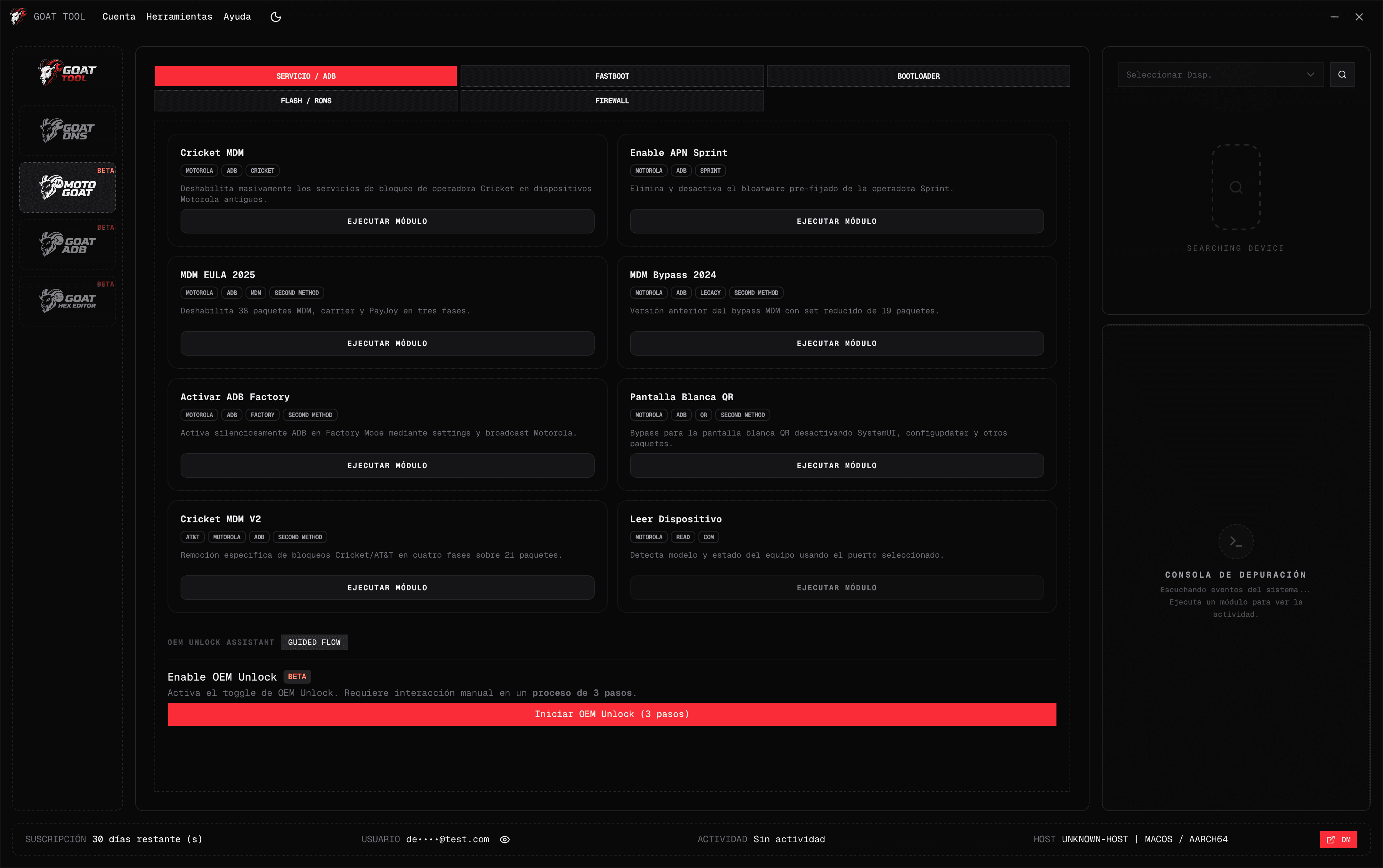
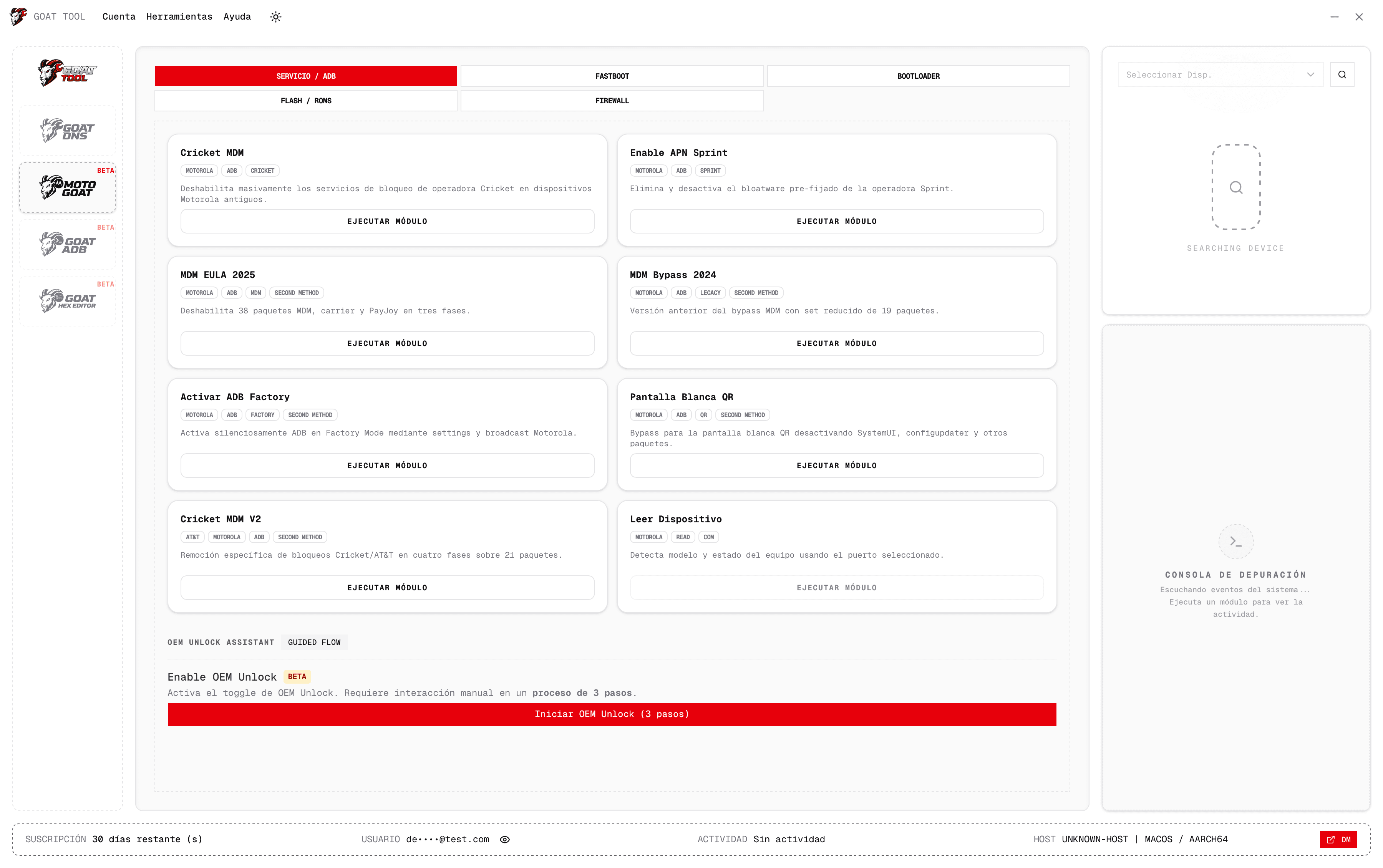
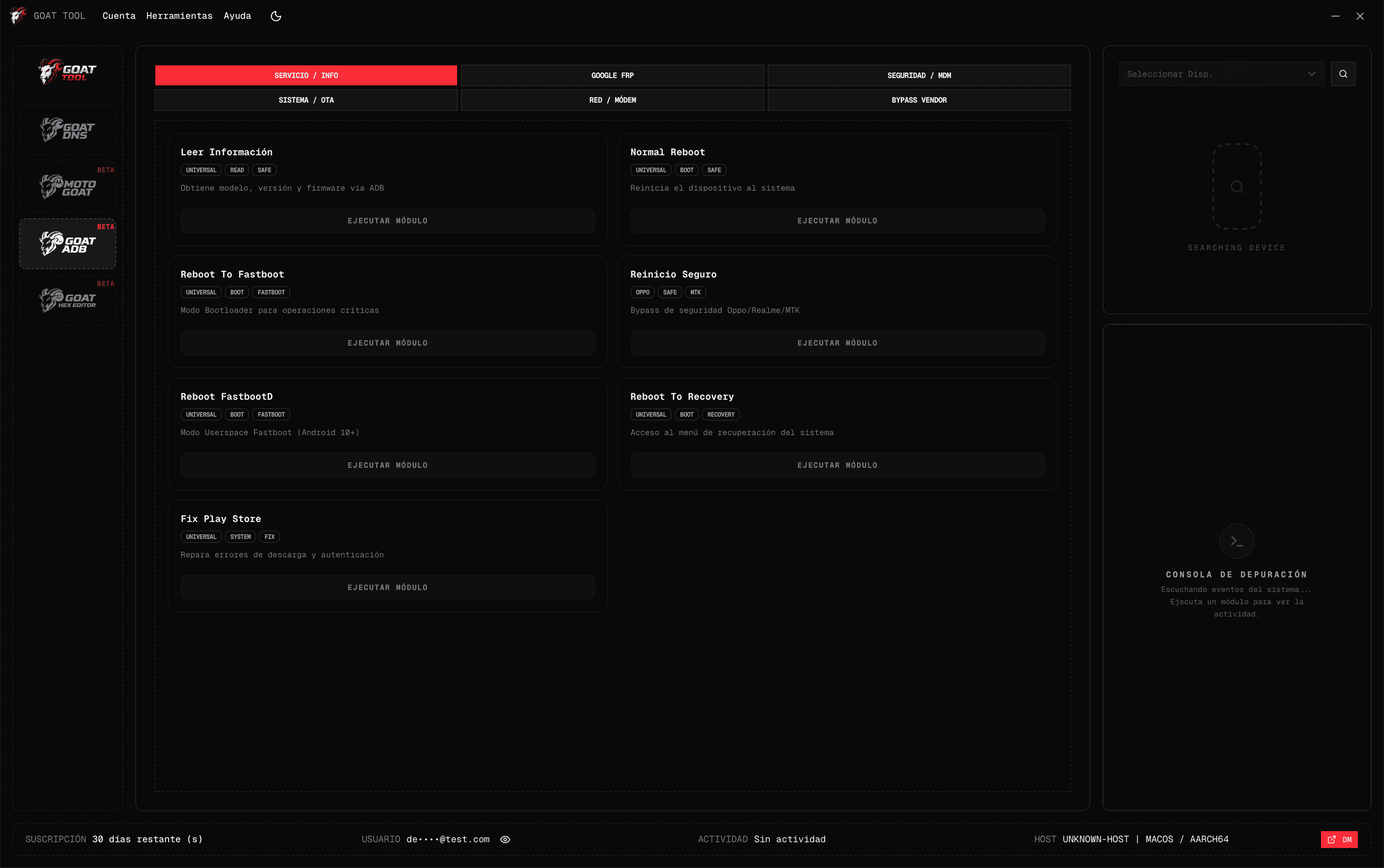
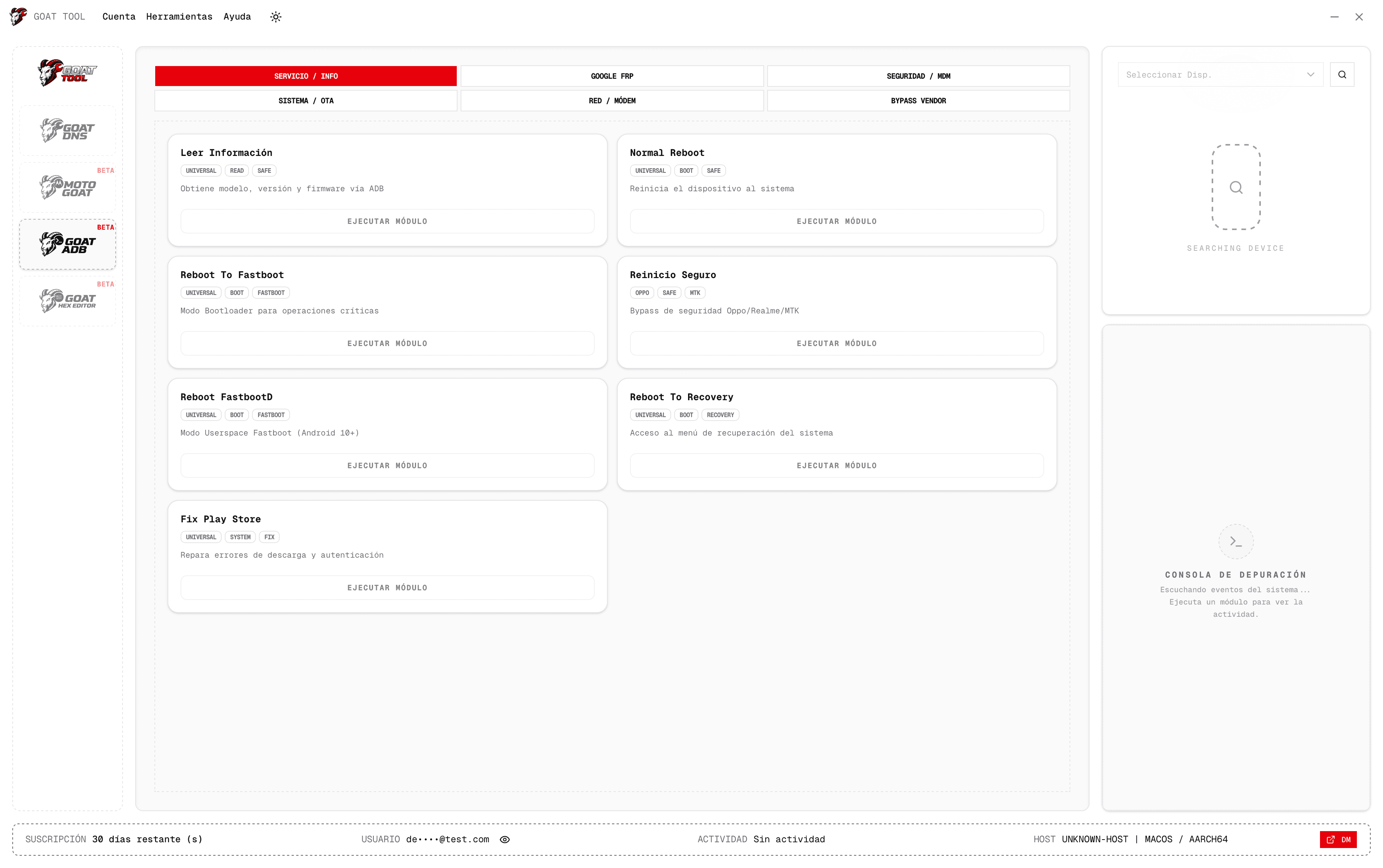
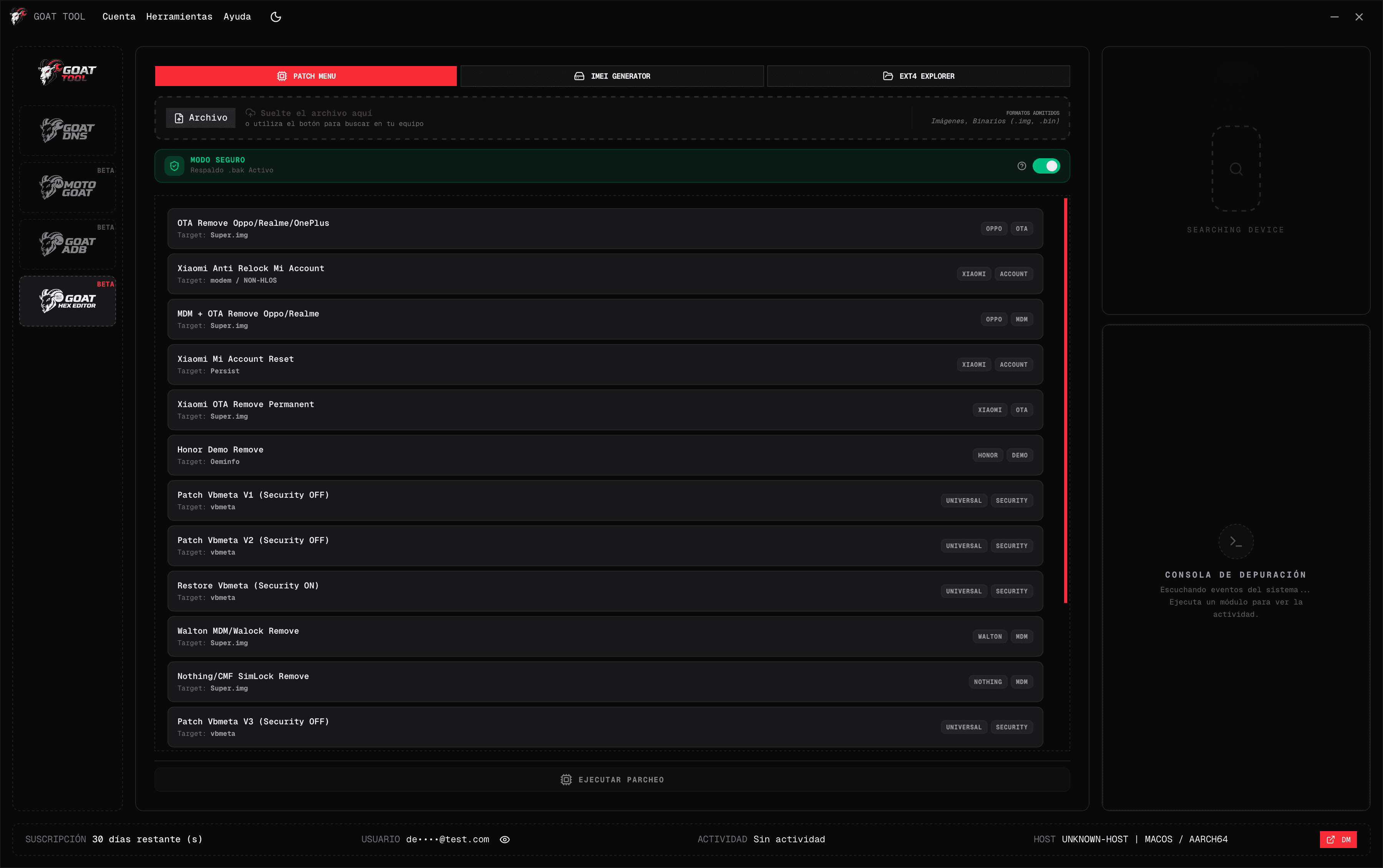
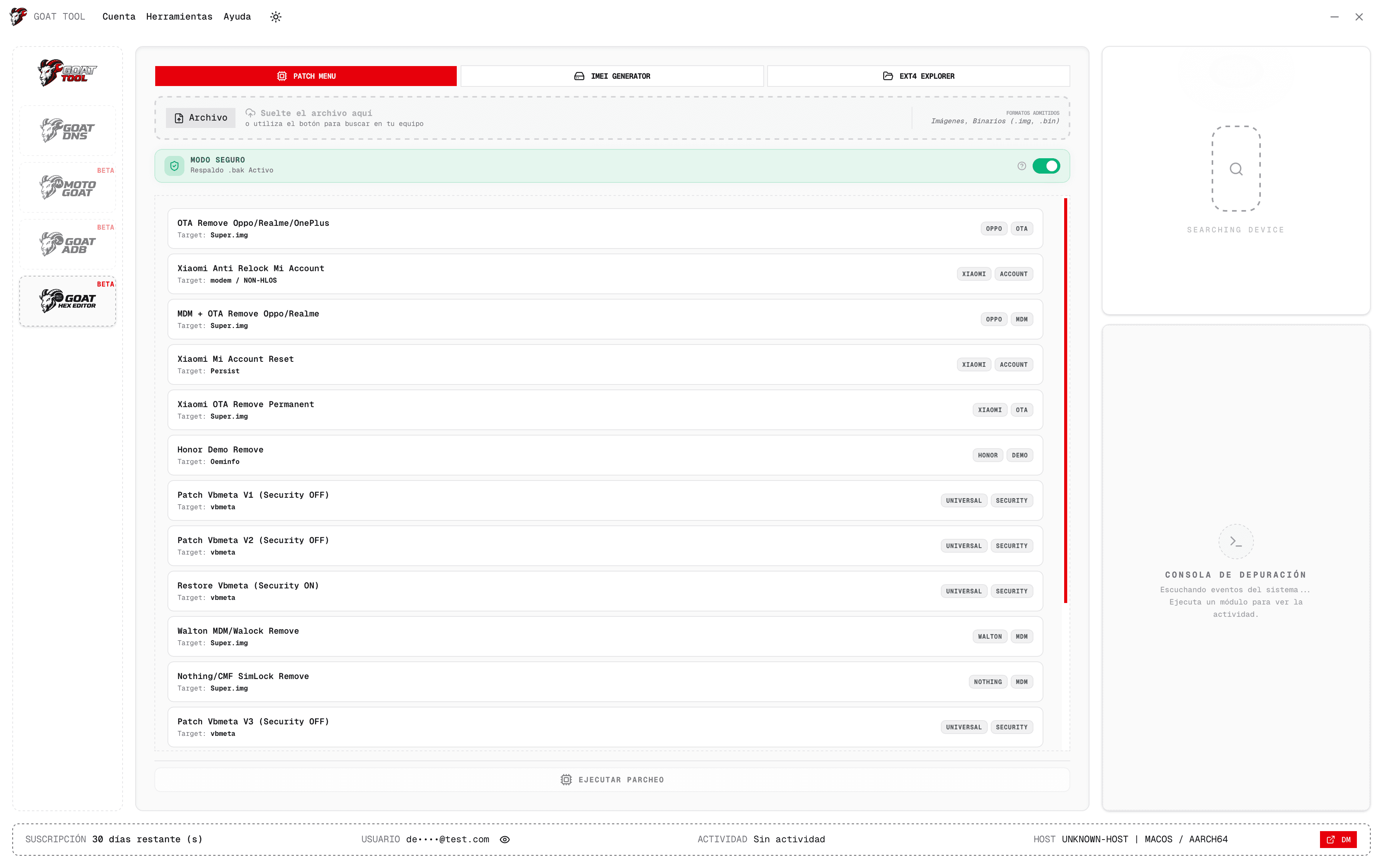
GoatTool centraliza flujos FRP, activación ADB, DNS privado y firewall por aplicación en una sola interfaz para técnicos y talleres.
GoatDNS
Configura perfiles de red, reglas de firewall y paquetes desde una sola vista.
Licenciamiento por dispositivo (asiento). Puedes comprar una o múltiples licencias dentro de la misma cuenta para tu equipo.
1 mes
$100 MXN
Por dispositivo
Incluye acceso completo a módulos
Pagar por WhatsApp
6 meses
$500 MXN
$600 MXN
Por dispositivo
Incluye acceso completo a módulos
Precio con descuento frente al pago mensual
Pagar por WhatsApp12 meses
$900 MXN
$1,200 MXN
Por dispositivo
Incluye acceso completo a módulos
Precio con descuento frente al pago mensual
Pagar por WhatsAppExplora cada módulo. Pasa el cursor o selecciona para ver de forma rápida qué resuelve cada flujo.
01
Operaciones FRP guiadas con estado y logs en tiempo real.
Ideal para
Talleres con trabajo recurrente de FRP Samsung.
Qué incluye
Secuencia FRP estructurada
Pasos claros por trabajo
Salida de logs trazable durante la ejecución
La seguridad se aplica como controles operativos concretos, no como texto decorativo. Cada capa está pensada para la operación diaria del taller.
Los flujos críticos se ejecutan en una secuencia estable y predecible para reducir errores en operación.
Resultado operativo
Menor riesgo operativo en trabajos repetitivos.
Cada asiento activo se asigna a un solo equipo para mantener control y trazabilidad por técnico.
Resultado operativo
Administración de licencias más clara en equipos de trabajo.
La gestión de sesión se mantiene estable para evitar interrupciones durante trabajo activo.
Resultado operativo
Operación diaria más fluida y menos cortes por sesión.
| Función | GoatTool | Fenix Tool | Octoplus FRP | Herramientas gratis |
|---|---|---|---|---|
| Funciona sin dispositivos externos | ||||
| Flujo FRP Samsung | Limitado | |||
| Flujo de activación ADB | Limitado | Limitado | Limitado | |
| Gestión de DNS privado | ||||
| Control de firewall por aplicación | ||||
| Instalación automática de prerequisitos | ||||
| FRP + ADB + DNS + Firewall en una sola herramienta | ||||
| Consola de operación en vivo | Limitado | Limitado | Limitado | |
| Licenciamiento por asiento y dispositivo | ||||
| Compra multi-asiento en una sola cuenta | Limitado | |||
| Flujo nativo de app de escritorio | Limitado | Limitado | Limitado | |
| Actualizaciones automáticas | Manual | Manual | Manual | |
| Arranque rápido en PCs nuevas de servicio | Limitado | Limitado | Limitado | |
| Consistencia operativa diaria | Limitado | Limitado | ||
| Operaciones Samsung + políticas Android | Limitado | |||
| Sin inventario obligatorio de hardware |
Desde la compra hasta el primer trabajo, en un flujo claro.
Paso 01
Elige 1, 6 o 12 meses y completa el pago por WhatsApp.
Paso 02
Cada licencia se activa en una sola máquina para control claro.
Paso 03
Usa FRP, ADB, DNS, firewall o proveedores desde una sola interfaz.
Paso 04
Agrega más licencias en la misma cuenta según crezca tu equipo.
Respuestas rápidas sobre compra, despliegue y uso diario.
Descarga el instalador más reciente y empieza con un flujo más rápido y limpio.
Descargar instalador Pagar por WhatsApp